The Business Hub for ChatGPT is live, and if you own a business or market one, you should go claim it. It takes about five to ten minutes.
This matters more than another feature announcement. For the first time, we have data straight from OpenAI about how people engage with brands and services inside ChatGPT. Not guesses. Not a third-party tool's best approximation. Data from the source.
Prefer to watch? This is the full walkthrough. Watch it on YouTube.
Key Takeaways
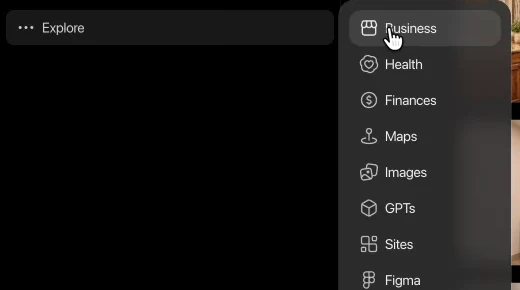
- Claim it now: Go to Explore, then Business, and add your business. It takes five to ten minutes, and you may need to add a DNS record to prove ownership.
- First-party data: This is the first time OpenAI is showing marketers how people engage with brands in ChatGPT, instead of us simulating it with prompt lists.
- Website Access is the most useful tab: It confirms whether ChatGPT can reach your site, a quick technical SEO health check.
- Do not treat the data as gospel yet: Accuracy is unknown, LLM referral traffic is still small, and several tabs are empty or not rolled out.
Table of Contents
Why This Is a Big Deal for SEOs and Digital Marketers
Until now, most of us working on AI visibility have been guessing. We have been writing lists of prompts, firing API calls to mimic a user session, and trying to infer what people might be saying about our brands on the platform. It is useful work, but it is still a simulation.
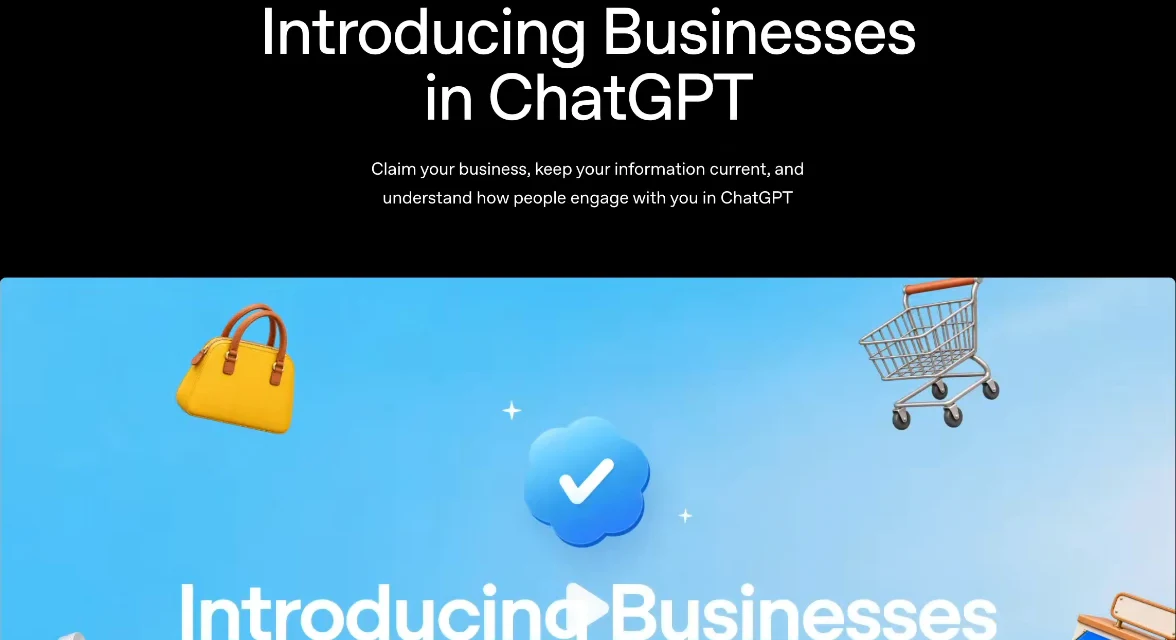
The Business Hub is the first time OpenAI is really popping the hood for marketers. If you have used Google Search Console or Bing Webmaster Tools, you already know the feeling. Those tools tell us how our content is indexed, which queries we show up for, and what is ranking. They are valuable because the data comes from the platform itself.
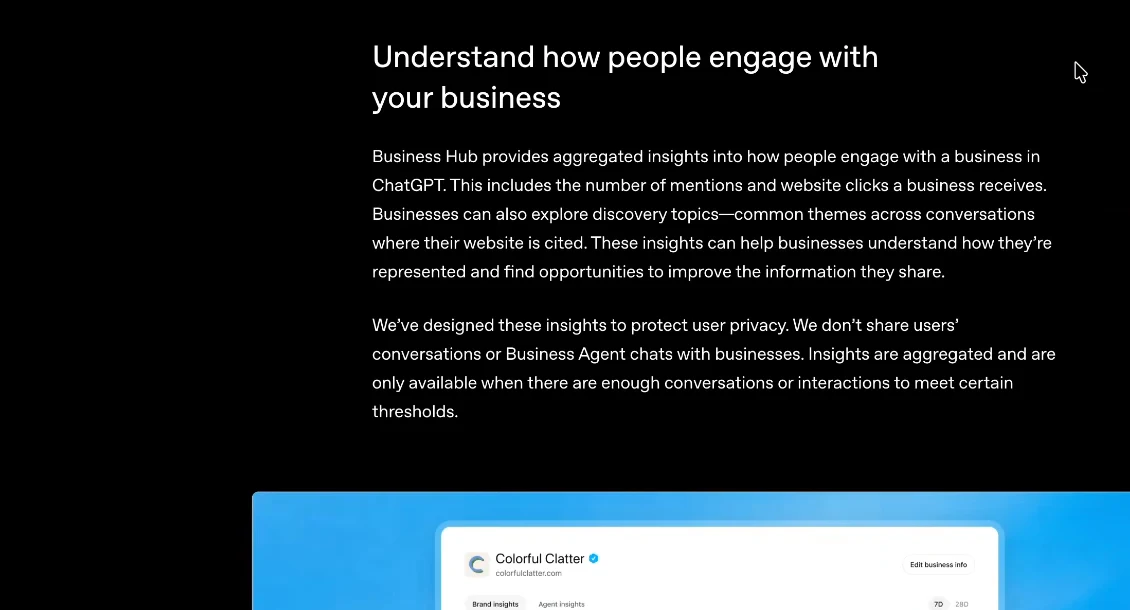
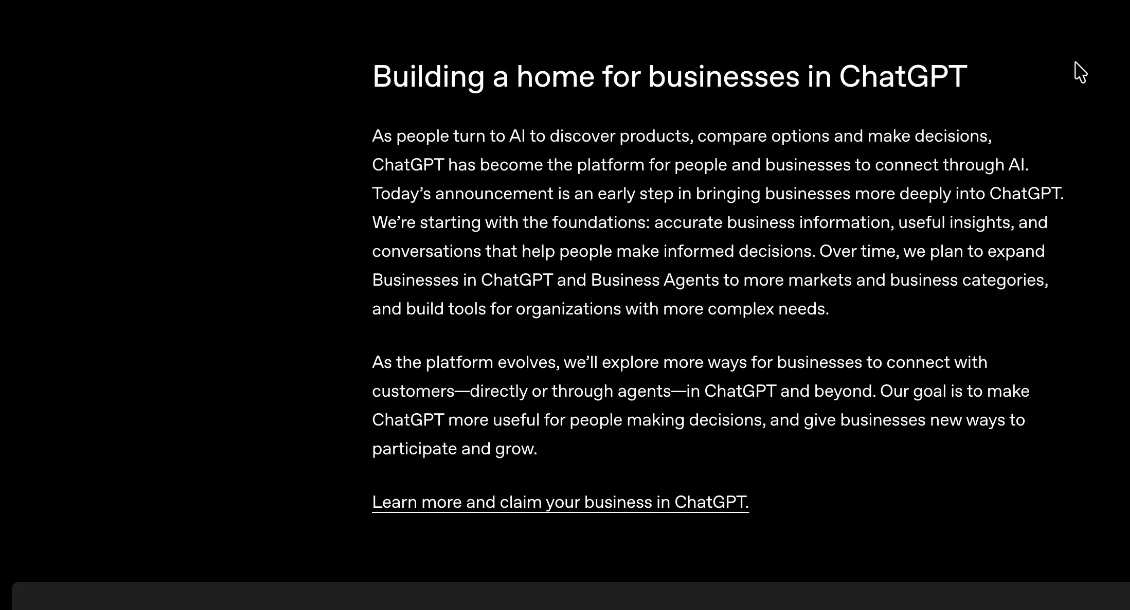
I see this as a signal of more to come. OpenAI is starting to make data available to people who own businesses and sell products, so we can better position ourselves, make things clearer, and solve more problems for the people using the platform. I hope it is the start of a trend.
How to Claim Your Business
It is simple:
- Log in to ChatGPT and go to Explore, then Business.
- Click Add and search for the business you own.
- Follow the steps to claim it. You may need to add a DNS record where your domain is hosted (your domain provider) to prove ownership.
- Once claimed, the business lives in your account and you can start poking around.


A couple of caveats from my own experience. I have only claimed the two locations I am personally involved with, one in Fort Worth and one in South Houston. I have not tried creating a brand-new business listing from scratch, so I cannot tell you how that flow works. If you have done it, I would like to hear about it.
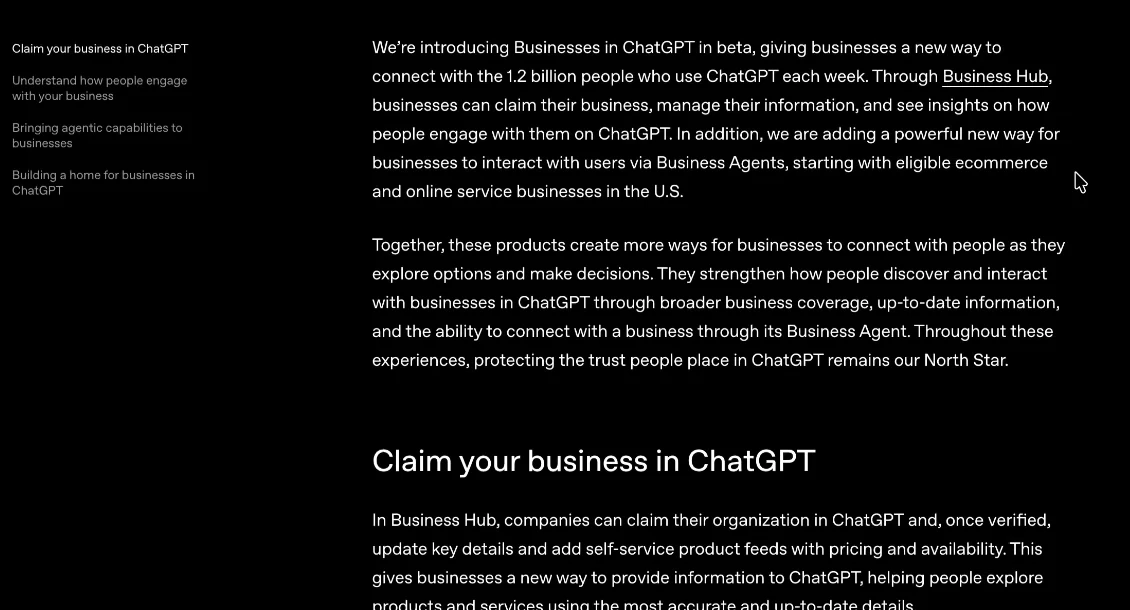
The parallel is easy to draw: if you already have listings on Bing and Google, claim yours in ChatGPT too.
A Tour of the Tabs
Overview
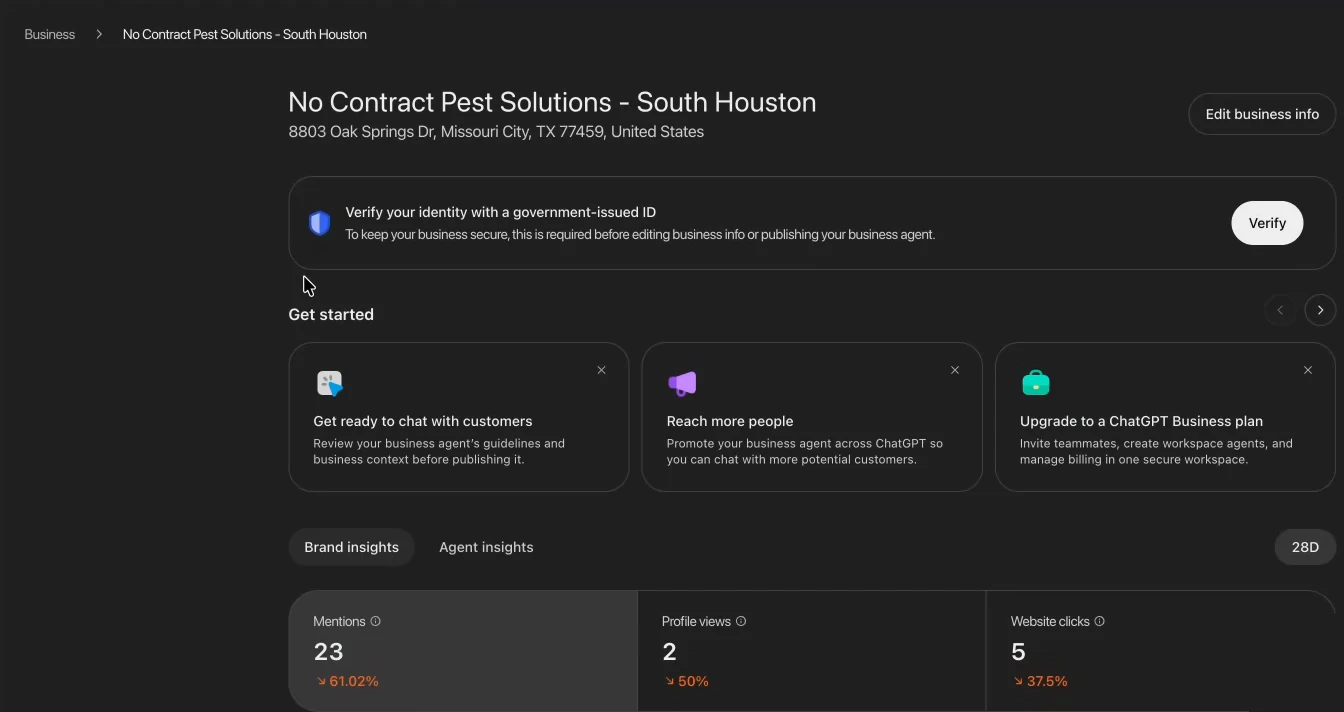
This is the first thing you will see: your address and business info, plus a few recommended steps from OpenAI. My account had some data populated here, but I am not taking it very seriously yet, and frankly neither should you. I do not know how accurate it is. We already know referral traffic from LLMs is extremely low, so let's see what this looks like over time.
Website Access
This is the tab I found most valuable. It shows whether ChatGPT can access your website, and you can request a fresh check. Mine came back with access confirmed.
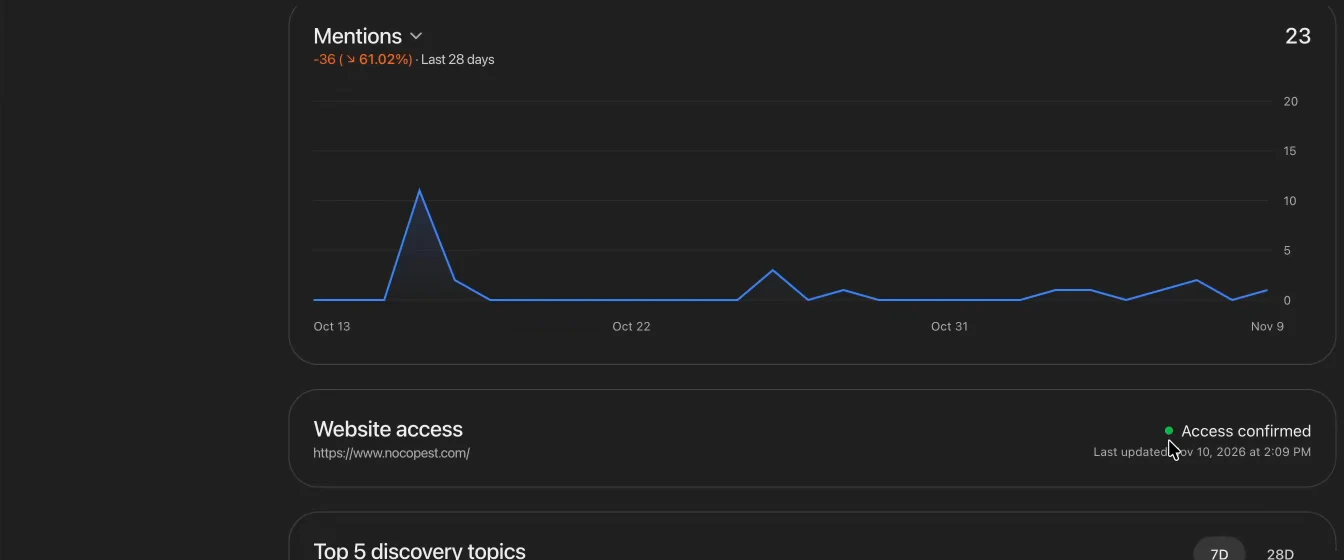
For technical SEO, this is a genuinely useful health check. It tells you whether OpenAI's robots can reach your site without issues, which is the kind of baseline visibility question we should be asking anyway.
Discovery Topics
This is where it gets interesting, but I do not have data here yet. Topics appear once there are enough mentions of your business. When they do, you will be able to see how people engage with your brand in ChatGPT, where you are being cited, and what people are discussing when your business comes up.
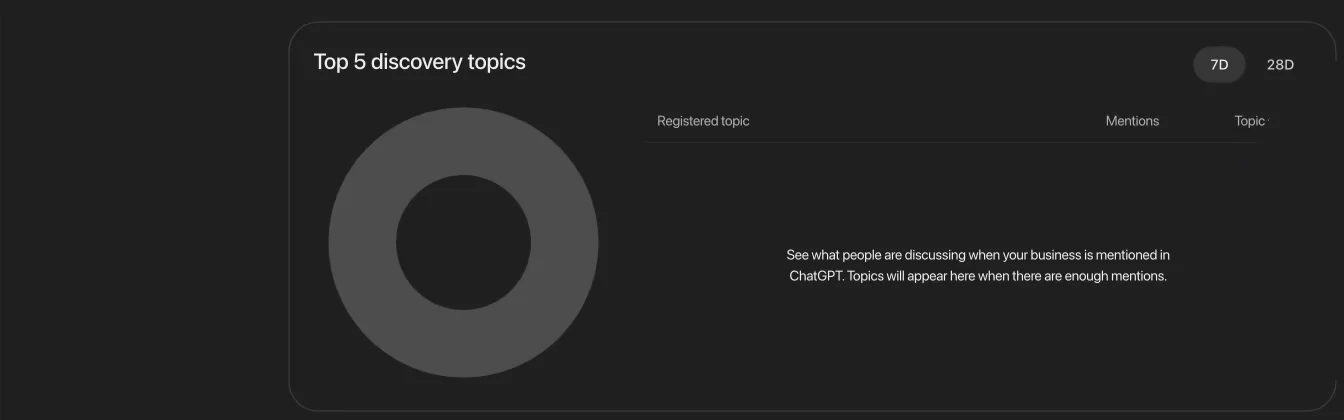
If you are in e-commerce or another business that is not location-dependent, you may already have data here. Let me know what you are seeing. This could help guide content and show how people use a chatbot to find solutions to their problems.
Agent Builder
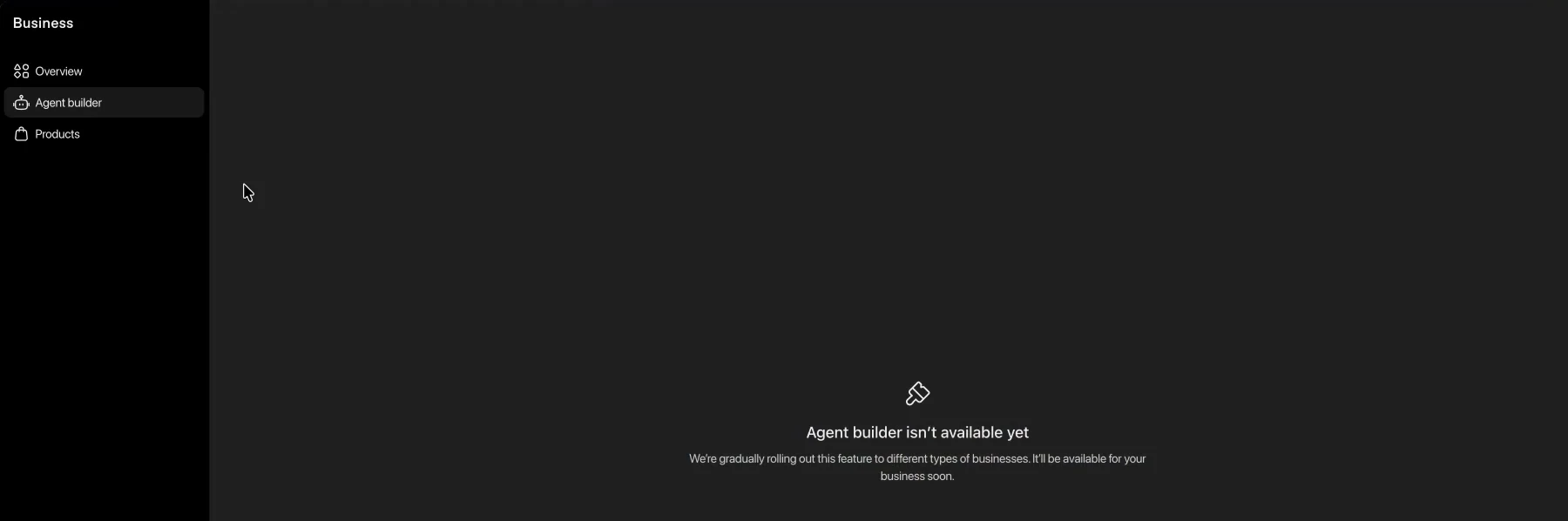
Not rolled out to everyone yet, and it is not available on my account. My read is that this is where you will shape how ChatGPT engages when someone wants to interact with your business: FAQs, pricing questions, and so on. That is my guess, not something I have confirmed.
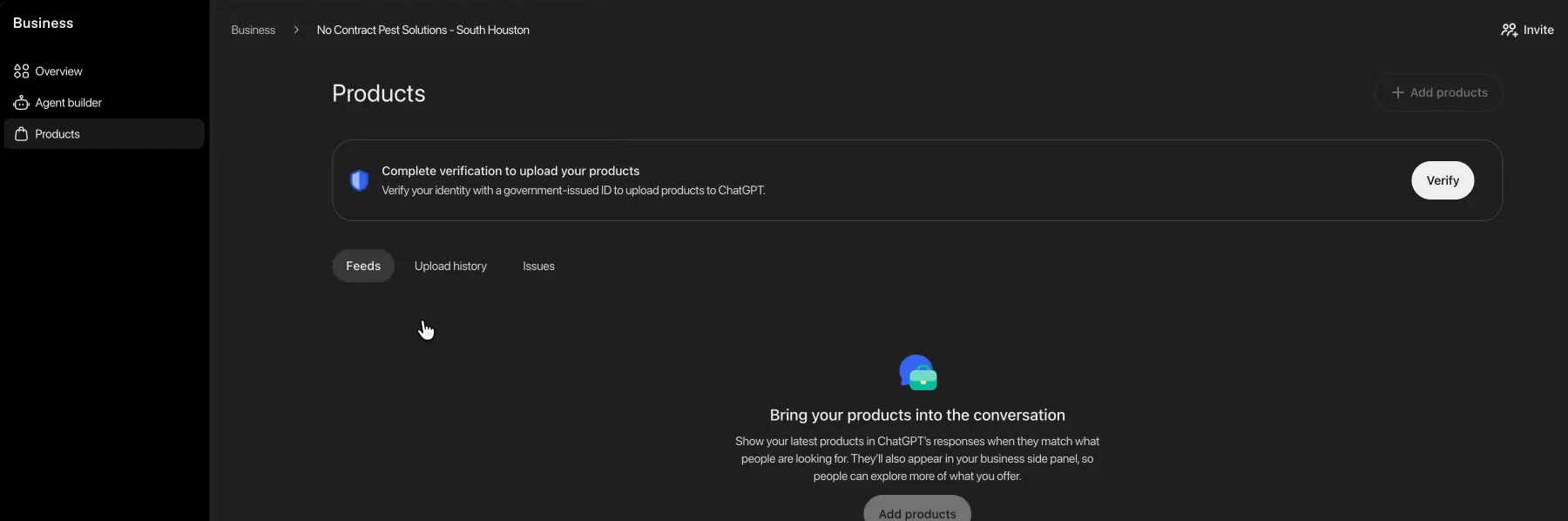
Products
There is also a Products tab, which I plan to go through the verification process for, and I will report back on how the feed works. It looks like it might be something similar to Google Merchant Center. Right now it seems heavily geared toward e-commerce and product catalogs, and it looks like ads are coming, with a call to action for people to spend ad money in ChatGPT. If you have access to that, I would love to compare notes.
My Honest Take
I would not treat any of this data as gospel yet. The accuracy is unknown, LLM referral traffic is still small, and several tabs are empty or not rolled out. But the direction is what matters: OpenAI is building an analytics platform for marketers to understand how people engage with brands in ChatGPT. That is good news.
The takeaway: if you have businesses out there, go claim them. It is five to ten minutes, maybe a DNS record, and then you can see what is happening.
If you have claimed yours and have more data than I do, tell me what you are seeing. I would like to learn together how we can get real value out of this. And subscribe on YouTube for the follow-ups.